

SEO for car garages in the UK starts with a simple question: can local drivers find your actual services and contact you easily? A driver looking for servicing, tyres or diagnostics needs clear information about location, availability and the next step.
This checklist explains how to review Google Search, Maps and your website together. Sparknetics’ SEO and search visibility services connect useful service content with a practical enquiry journey. Choose the improvements that fit your garage rather than adding keywords for work you do not provide.
Check what drivers actually see
Search for your main services as a customer would. Try a service and location, such as “car servicing in Leeds”, then check both the map results and the regular website results. Repeat for the services that bring your garage the best work.
Do not judge visibility from one search on your own phone. Results can vary by location, and Google says local results depend mainly on relevance, distance and prominence. A garage cannot simply pay Google for a better organic local ranking. Read Google’s explanation of local ranking.
Write down three things: whether your garage appears, which page or profile appears, and whether the result makes it easy to call or book.
Make your Google Business Profile accurate and useful
Your Google Business Profile should tell a driver what your garage actually does. Check the main category, opening hours, phone number, address, website link and listed services. Add genuine photos of the premises, work areas and team where appropriate.
Be specific about your services. A garage offering diagnostics, brakes, tyres and servicing gives customers more useful information than a profile with only a broad description. Keep the wording accurate and consistent with your website.
Ask customers for honest reviews through a regular process and respond professionally. Reviews can help people decide whom to contact, but they are one part of local visibility, not a shortcut to a guaranteed Maps position.
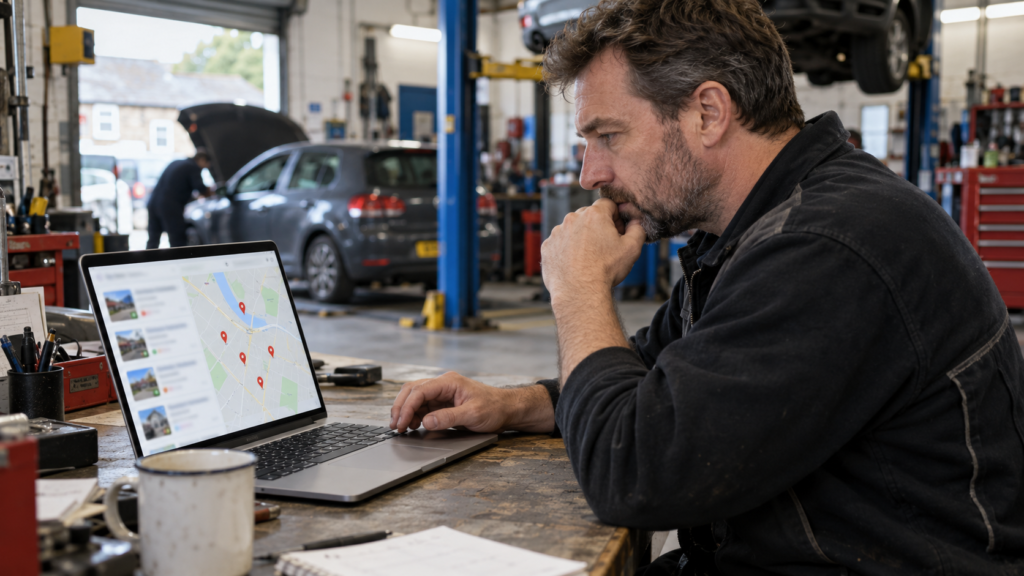
Give each important service a useful page
A homepage that says “we do all car repairs” may leave too many questions unanswered. Start with separate pages for your most important services, such as car servicing, brake repairs, diagnostics or tyre replacement.
Each page should answer:
- What does the service include?
- Which vehicles or problems can the garage handle?
- Where is the garage, and which areas does it realistically serve?
- How can someone ask a question, request a quote or book?
- What should the driver expect next?
If you offer MOT testing, describe it accurately. In the UK, an MOT must be carried out at an approved test centre. If your business only provides MOT preparation or arranges testing elsewhere, make that distinction clear on the page. GOV.UK explains the approved-centre requirement.
Which keywords should a garage page target?
Group phrases by the service customers need, then check your actual coverage and existing Search Console queries. A servicing page and a brake-repair page answer different requests. Use natural service and location wording in the title, heading and explanation; avoid repeating several keyword variations in every paragraph.
Do not create separate pages for “mechanic SEO”, “garage SEO” and similar terms when they answer the same business question. For the garage’s own customer-facing pages, explain genuine capabilities, quotation arrangements and booking steps. Our auto repair shop checklist for US businesses provides a separate country-specific comparison; UK garages should retain accurate UK terminology and requirements.
Make booking simple on a mobile phone
Imagine a driver finding your service page while standing beside their car. Can they see the phone number immediately? Does the call button work? Is the booking form short enough to complete without frustration?
Place a clear action near the top of each important page: “Call the garage”, “Request a quote” or “Book a service”. Add your address, hours and realistic response expectations. Real garage photos and clear service details give drivers more to evaluate than stock images and vague claims.
A useful test is to ask someone unfamiliar with your website to book a brake inspection on their phone. Watch where they hesitate. Fixing that point may matter more than adding another paragraph of keywords. Sparknetics also works on website and conversion improvements for businesses that receive attention but lose enquiries.
Build local relevance without copying town pages
Mention your garage’s actual location clearly. If customers travel from nearby areas, explain that naturally where it helps them. Directions, parking information and proximity to recognisable roads can be more useful than a long list of town names.
Avoid publishing many near-identical pages with only the town changed. A location page should give a customer distinct information about the service and area. Sparknetics’ UK SEO and digital marketing approach also focuses on genuine local value rather than repetitive location pages.
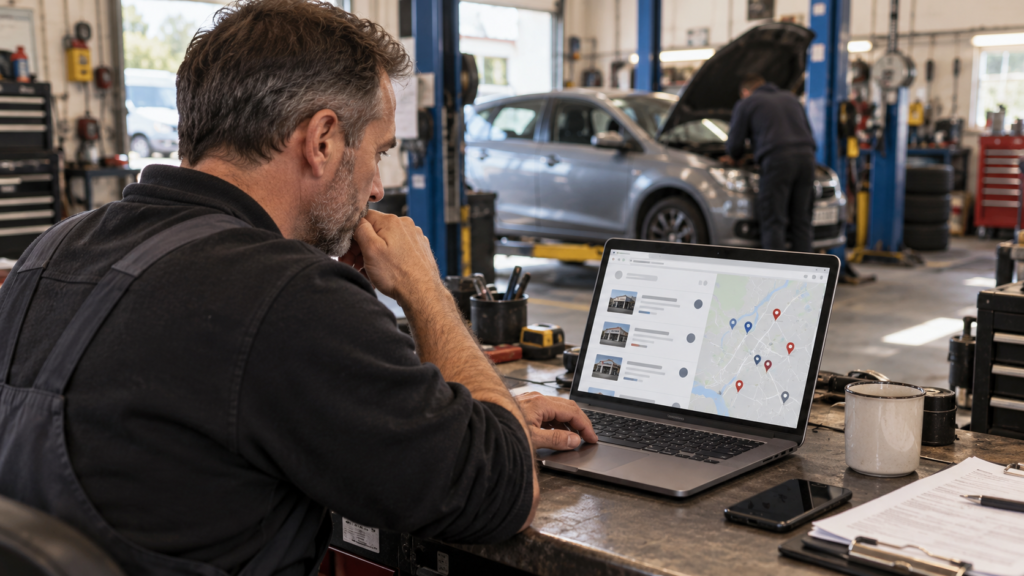
Use paid campaigns for the right jobs
SEO helps your garage become easier to find over time. Paid campaigns can support a specific goal while that work develops, but the campaign must match the service and the page people reach.
For example, a Google Search campaign for brake repairs should lead to a relevant brake repair page, with an easy way to call or enquire. If you run Google Ads for a physical garage, Google’s location assets can show details such as your address or a map alongside eligible ads. See Google Ads’ location-asset guidance.
Meta Ads may be useful for introducing a seasonal offer, showcasing your team or reminding local audiences about a service. Treat those campaigns separately from Google Maps rankings: paying for ads does not buy a higher organic local position. Sparknetics provides Google Ads and Meta Ads management alongside SEO and landing-page work.
Measure bookings, not only rankings
More views do not automatically mean more work for the garage. Track the enquiries that matter: calls, booking forms, quote requests and confirmed jobs where your systems allow it.
Review which services generate useful enquiries. If a tyre page receives visits but few calls, inspect the page and offer. If a Google Ads campaign produces many leads but few bookings, look at lead quality, targeting and how enquiries are handled.
Start with one simple monthly question: Which services brought qualified customers to the garage, and where did those customers find us?
A quick garage SEO checklist
Before investing in more content or ads, check that:
- Your Google Business Profile details and services are accurate.
- Your most valuable services have clear, helpful pages.
- The phone and booking actions work on mobile.
- Your location and genuine service area are easy to understand.
- Photos and reviews help drivers assess your business.
- Paid ads lead to a page that matches the advertised service.
- You can distinguish website visits from real enquiries and bookings.
Conclusion
Good garage SEO connects three things: being found for the right service, giving drivers a clear reason to choose you, and making it easy to book. Start by checking the customer journey from Google Maps or Search through to the final call or form. Then improve the weakest step.
Want more qualified enquiries for your UK garage?
Contact Sparknetics to discuss your Google Business Profile, service pages, SEO and paid campaigns. We can review where drivers find you today and which improvements are most relevant to your garage.
What does SEO for car garages UK involve?
SEO for car garages UK involves improving your garage’s visibility in relevant Google searches and Maps results. It includes an accurate Google Business Profile, helpful service pages, clear location information and an easy way for drivers to call or book.
How long does garage SEO take to show results?
It depends on your current website, local competition and the work needed. You may see early changes in visibility before they turn into consistent enquiries. Track calls, bookings and qualified leads alongside rankings.
Does my garage need a separate page for every service?
Create separate pages for important services when you can give customers genuinely useful details. For example, brake repairs and car servicing answer different questions. Avoid making several thin pages that repeat the same information.